
10 Restaurant Website Design Tips to Attract More Customers
March 9, 2026
Website Redesign vs New Website: A Complete Guide for South African Businesses (2026)
March 24, 2026
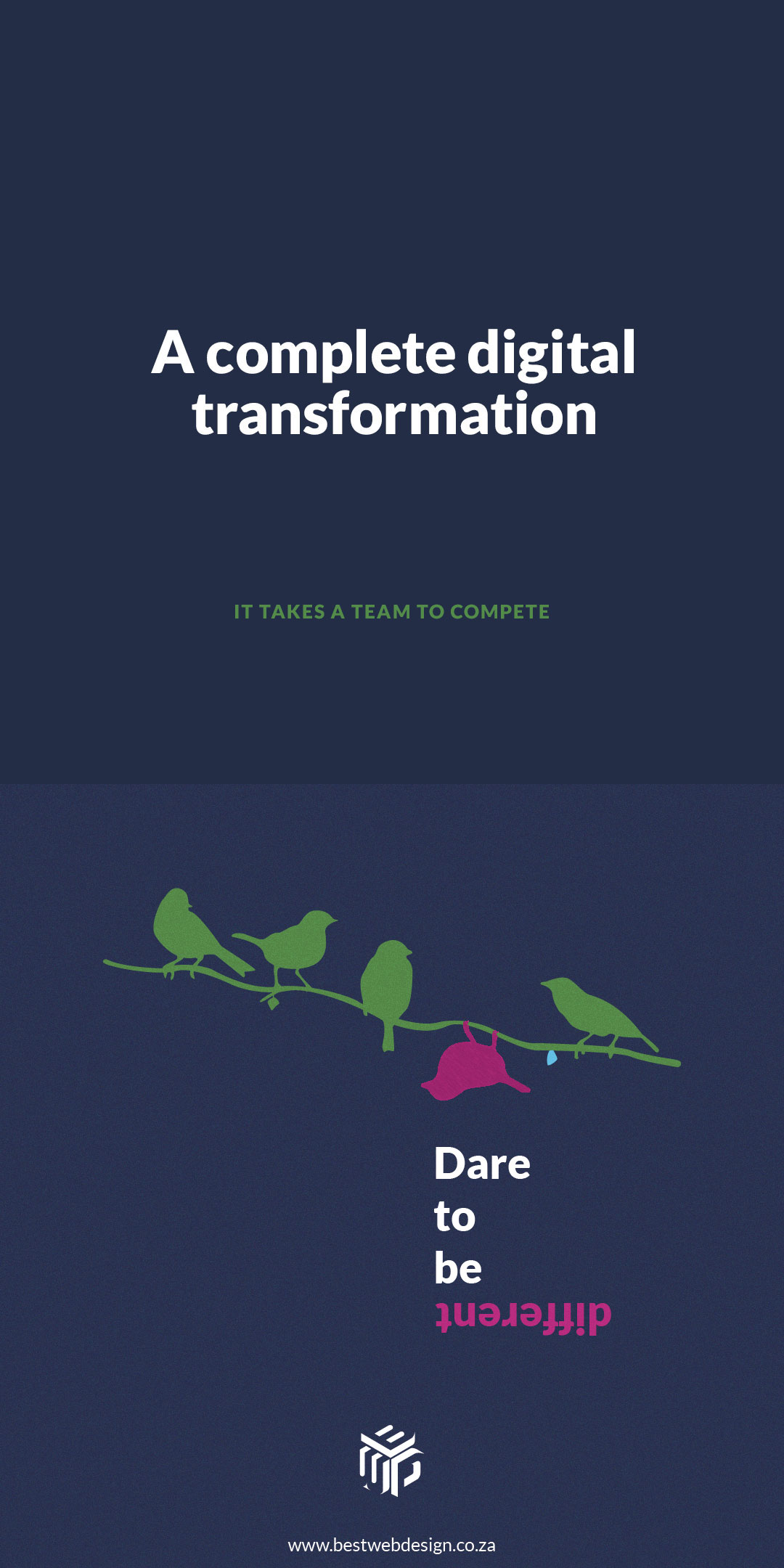
Wix vs WordPress 2026: Which is Better for Your Website?
What is Wix & WordPress?
What is Wix?
Wix is a popular drag-and-drop website builder that allows users to create professional websites without any coding knowledge. It is an all-in-one platform that includes hosting, security, templates, and built-in design tools making it one of the easiest ways to launch a website in 2026.
With Wix, you can simply choose a template, customize it using an intuitive visual editor, and publish your site within minutes. It also offers features like mobile optimization, app integrations, and basic SEO tools, making it suitable for small websites and beginners.
What is WordPress?
WordPress is an open-source Content Management System (CMS) that allows you to build, manage, and scale any type of website with complete control and flexibility. Unlike website builders, WordPress gives you full ownership of your website, including its design, functionality, and data.
It is the most widely used CMS in the world, powering over 40% of all websites globally. From simple blogs to large eCommerce stores and enterprise-level platforms, WordPress can handle it all.
Wix vs WordPress: Quick Comparison Table
|
Feature |
Wix |
WordPress |
|
Ease of Use |
Very Easy (Beginner-friendly) |
Medium (Learning curve) |
|
SEO |
Basic SEO tools |
Advanced SEO control |
|
Customization |
Limited flexibility |
Unlimited customization |
|
Pricing |
Fixed monthly plans |
Flexible (depends on hosting) |
|
Performance |
Good |
Excellent (with optimization) |
|
Control |
Limited control |
Full control over website |
|
Scalability |
Limited growth |
Highly scalable |
Ease of Use (Beginner Friendly?)
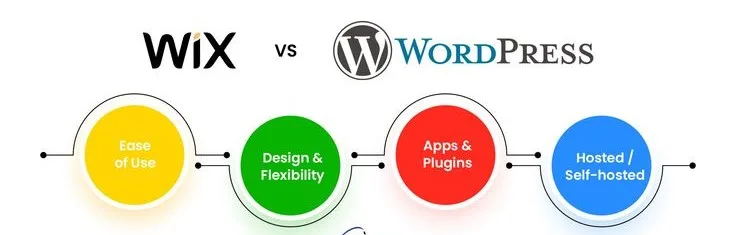
When comparing Wix vs WordPress for beginners, Wix stands out due to its simple drag-and-drop interface and all-in-one setup. It requires no technical knowledge, making it perfect for quick website creation. In contrast, WordPress involves a learning curve with hosting, plugins, and setup. However, it offers more control once mastered.
Wix:
- Drag-and-drop editor
- No technical skills needed
- Pre-designed templates
- Everything included (hosting, security)
WordPress:
- Requires hosting + domain setup
- Learning curve
- Plugin & theme management
Design & Customization
Wix provides ready-made templates and an easy website design experience, making it ideal for users who want fast and visually appealing results. However, flexibility is limited once a template is chosen. WordPress, on the other hand, offers complete website design freedom with thousands of themes and custom coding options. It’s the best choice for users who want full creative control over their website design.
Wix:
- 800+ ready-made templates
- Easy customization
- Limited flexibility after selection
WordPress:
- Thousands of themes
- Full design freedom
- Custom coding possible
Key Difference:
- Wix = Fast & simple
- WordPress = Unlimited control
SEO Capabilities
SEO is a major factor when choosing between Wix and WordPress in 2026. Wix offers basic SEO features like meta tags and URL editing but lacks advanced control. WordPress excels with powerful SEO plugins and full technical optimization capabilities. This makes WordPress the preferred choice for higher rankings and organic growth.
Wix SEO:
- Basic SEO tools
- Meta tags & URL editing
- Limited technical control
- Slower optimization improvements
WordPress SEO:
- Advanced plugins (Yoast, RankMath)
- Full control over technical SEO
- Faster indexing
- Better Core Web Vitals optimization
Real Experience Insight:
Based on our experience working with 100+ websites, WordPress sites rank faster due to better control over structure and performance.
Performance & Speed
Website speed plays a crucial role in SEO and user experience. Wix delivers good performance but offers limited optimization options. WordPress can achieve superior speed with proper optimization, caching, and CDN integration. This makes it more suitable for high-performance and scalable websites.
Wix:
- Good performance
- Limited optimization
WordPress:
- Faster when optimized
- Advanced caching & CDN
- Better Core Web Vitals
Security & Maintenance
Wix handles security and updates automatically, making it a hassle-free option for beginners. You don’t need to worry about maintenance or technical issues. WordPress requires regular updates and security plugins but gives you full control over website protection. It’s ideal for users who want flexibility and control.
Wix:
- Built-in security
- Automatic updates
- No maintenance
WordPress:
- Requires updates
- Security plugins needed
- Full control
Wix vs WordPress for Business
Wix is suitable for small businesses that need a quick and simple online presence. It allows fast setup but has limitations in scalability and advanced features. WordPress is better for growing businesses, offering strong SEO, lead generation, and long-term scalability. It’s the preferred choice for serious business growth.
Wix for Business:
- Quick launch
- Simple websites
- Limited growth
WordPress for Business:
- Better lead generation
- Advanced SEO
- Scalable for growth
Wix vs WordPress for Blogging
Wix offers a simple blogging interface that works well for basic content creation. However, it lacks advanced SEO and monetization features. WordPress is built for blogging, with powerful content management, SEO tools, and monetization options. It’s the best platform for bloggers aiming for traffic and income.
Wix Blogging:
- Simple editor
- Limited SEO
WordPress Blogging:
- Advanced content control
- Monetization options (Ads, Affiliate, SEO)
Pros and Cons
Wix is beginner-friendly, fast to set up, and offers an all-in-one solution, but it has limitations in customization and SEO. WordPress provides advanced SEO, full control, and scalability, but requires learning and maintenance. The choice depends on your goals, skills, and long-term vision.
Wix Pros:
- Beginner-friendly
- Fast setup
- All-in-one platform
Wix Cons:
- Limited customization
- Weak SEO capabilities
WordPress Pros:
- Advanced SEO
- Full control
- Highly scalable
WordPress Cons:
- Learning curve
- Requires maintenance
Who Should Use Wix?
Wix is ideal for beginners, small businesses, and individuals who want to create a website quickly without technical knowledge. It’s perfect for portfolio sites and simple projects. If ease of use is your priority, Wix is a great choice.
Wix is best for:
- Beginners
- Small businesses
- Portfolio websites
- Quick launch
Who Should Use WordPress?
WordPress is best for bloggers, businesses, and agencies that need advanced SEO, customization, and scalability. It’s ideal for long-term growth and professional websites. If you want full control and better rankings, WordPress is the better option.
WordPress is best for:
- Bloggers
- SEO-focused websites
- Agencies
- Growing businesses
Final Summary
Choosing between Wix and WordPress in 2026 ultimately depends on your goals, experience level, and long-term vision. If you’re looking for a quick, simple, and hassle-free way to build a website, Wix is a great starting point. However, if your focus is on growth, better SEO performance, and complete control over your website design and functionality, WordPress is the smarter investment.
While Wix offers convenience, WordPress delivers power. For anyone serious about building a scalable online presence, generating traffic, and ranking higher on Google, WordPress stands out as the better platform. If you’re still unsure which platform is right for your business, feel free to contact us for expert guidance and personalized website solutions.