

Web Design for Real Estate Agents in Johannesburg
October 2, 2026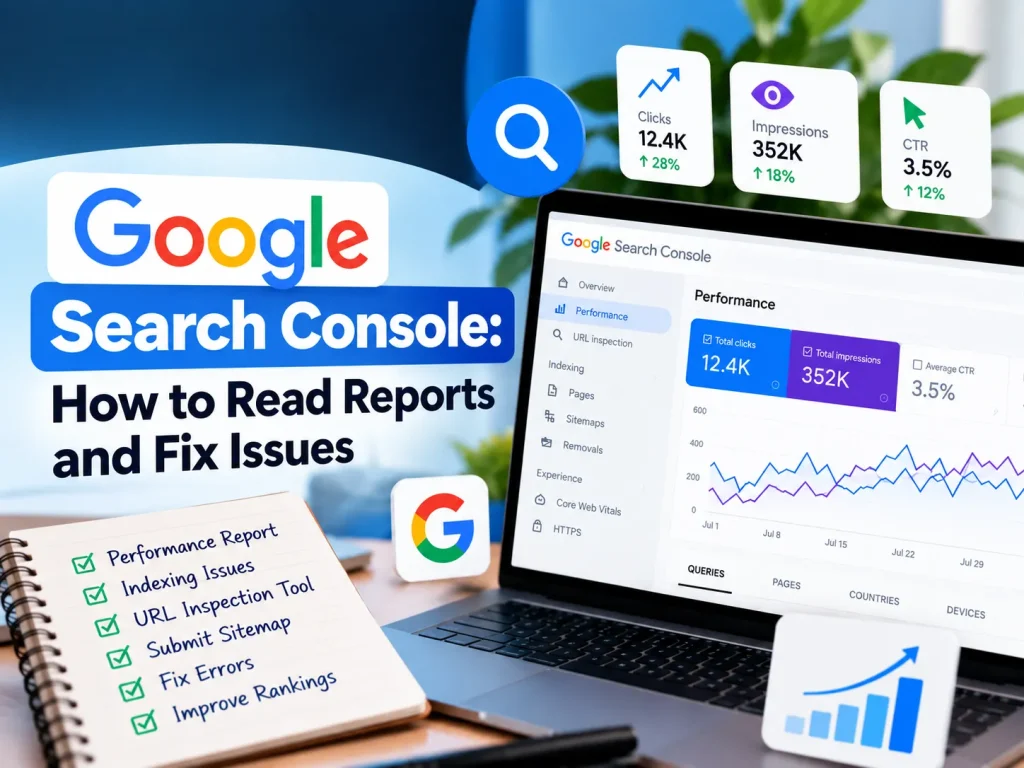

Google Search Console: How to Read Reports and Fix Issues
Google Search Console is Google's tool for seeing how your website appears in search. Use the Performance report for clicks, impressions, and search queries, the Pages report for indexing problems, and the Core Web Vitals report for speed issues. Then fix errors and improve pages that almost rank. This guide shows you how to read each report and what to do with the data.
What Is Google Search Console?
Google Search Console is a service from Google that reports on your site's presence in Google Search. It shows which queries bring people to your pages, which pages Google has indexed, and which technical problems stop pages from appearing.
It is different from Google Analytics. Search Console tells you what happens before the click: how people find you in search. Analytics tells you what happens after the click: what visitors do on your site. You need both for a full picture. Our data metrics service helps businesses combine the two.
How Do You Set Up and Verify Google Search Console?
Domain property or URL prefix?
When you add your site, Search Console offers two property types.
- Domain property. Covers every version of your domain: http, https, www, non-www, and subdomains. Verification uses a DNS record. This is the better choice for most sites.
- URL prefix property. Covers one exact address, such as https://www.yourdomain.co.za/. Verification can use an HTML file, a meta tag, or Google Analytics.
If you cannot edit DNS, use the URL prefix option. If your host manages DNS, ask them to add the TXT record Google provides.
Submit a sitemap
Open Sitemaps in the left menu and enter your sitemap address, usually sitemap.xml or sitemap_index.xml. When you submit a sitemap, you give Google a list of the pages you want crawled. It does not guarantee indexing, but it helps Google discover pages faster. Check the status shows "Success" and the discovered page count looks right.
How Do You Read the Performance Report?
The Performance report is where most owners start. It shows four metrics for Google Search.
- Clicks. How many times people clicked through to your site.
- Impressions. How many times your pages appeared in results.
- CTR (click-through rate). Clicks divided by impressions.
- Average position. Your average ranking for the query or page.
Data goes back about 16 months, so you can compare periods. Use the Compare option to see this quarter against the last.
Find queries ranking on page two
This is the simplest win in the tool. Filter the Queries view by average position and look for search queries sitting between positions 8 and 20. These pages already have some relevance. A stronger title, a clearer answer near the top, extra sections, or better internal links can move them onto page one.
Spot low CTR pages
A page with many impressions and few clicks may have a weak title or meta description. Rewrite them to match the search intent and include the main keyword naturally.
Filter for South Africa
Use the Country filter to see South African search behaviour. Compare queries that include terms like Johannesburg or Gauteng. This shows how well your local content is doing. If you run SEO work, this view tells you whether it reaches local searchers.
How Do You Fix Indexing Issues in the Pages Report?
The Pages report, found under Indexing, lists which pages are indexed and why others are not.
What does "Crawled, currently not indexed" mean?
Google visited the page but chose not to add it to the index. This often points to thin content, near-duplicate pages, or low perceived value. Improve the page with original information, better structure, and internal links from stronger pages. Then request indexing.
What does "Discovered, currently not indexed" mean?
Google knows the URL exists but has not crawled it yet. This can happen on large sites or when internal linking is weak. Add links to the page from relevant content and make sure it appears in your sitemap.
Other common statuses
- Excluded by noindex tag. Check this is intentional. It is a common mistake after a website migration.
- Page with redirect. Normal for old URLs, but confirm the destination is correct.
- Not found (404). Fix broken internal links or add a redirect if the page moved.
- Blocked by robots.txt. Review your robots.txt file for rules that block important pages.
Using the URL Inspection tool
Paste any URL into the bar at the top. The URL Inspection tool shows whether the page is indexed, which version Google chose, and any problems it found. After you fix a page, click Request indexing to ask Google to recrawl it.
What Do the Experience Reports Show?
Core Web Vitals
The Core Web Vitals report groups URLs as Good, Needs improvement, or Poor, using real visitor data for loading speed, responsiveness, and visual stability. Fix the Poor groups first, since they affect many pages at once. Our guide to Core Web Vitals explains what each metric means.
HTTPS
The HTTPS report shows if any pages are served over an insecure connection. All pages should load securely. Mixed content errors usually come from old image or script links that still use http.
How Can You Use Google Search Console in the AI Search Era?
Search is changing, and Search Console still matters. According to Google's documentation, clicks and impressions from AI features in Search are counted in the Performance report under Web search. That means your data includes traffic from AI Overviews, even though the report does not separate it.
Look for question-style queries
Filter queries by words like how, what, why, can, and does. These show the questions people ask. Use them to shape headings and FAQs so your pages give clear, direct answers. This is the same approach covered in our guide to getting into Google AI Overviews.
Build a refresh list
Export queries and pages monthly. Mark pages whose impressions are rising while clicks lag, and pages whose position has slipped. Update those first with fresher facts, better structure, and clearer opening answers.
Turn Search Console Data Into Results
Reading the reports is the first step. Acting on them is where rankings improve. Book a consultation and our team will review your Search Console data, find quick wins, and build a plan. You can also read about how data analytics helps South African businesses make smarter decisions.